




WordPress accessibility checks work best as part of publishing, not as a one-time audit. Automated tools can flag common issues before a page goes live, giving editors time to fix them while content is still in progress. However, a clean scan does not prove that a page is easy to understand or use. A reliable process combines repeatable checks with human review.
What automated accessibility checks can catch
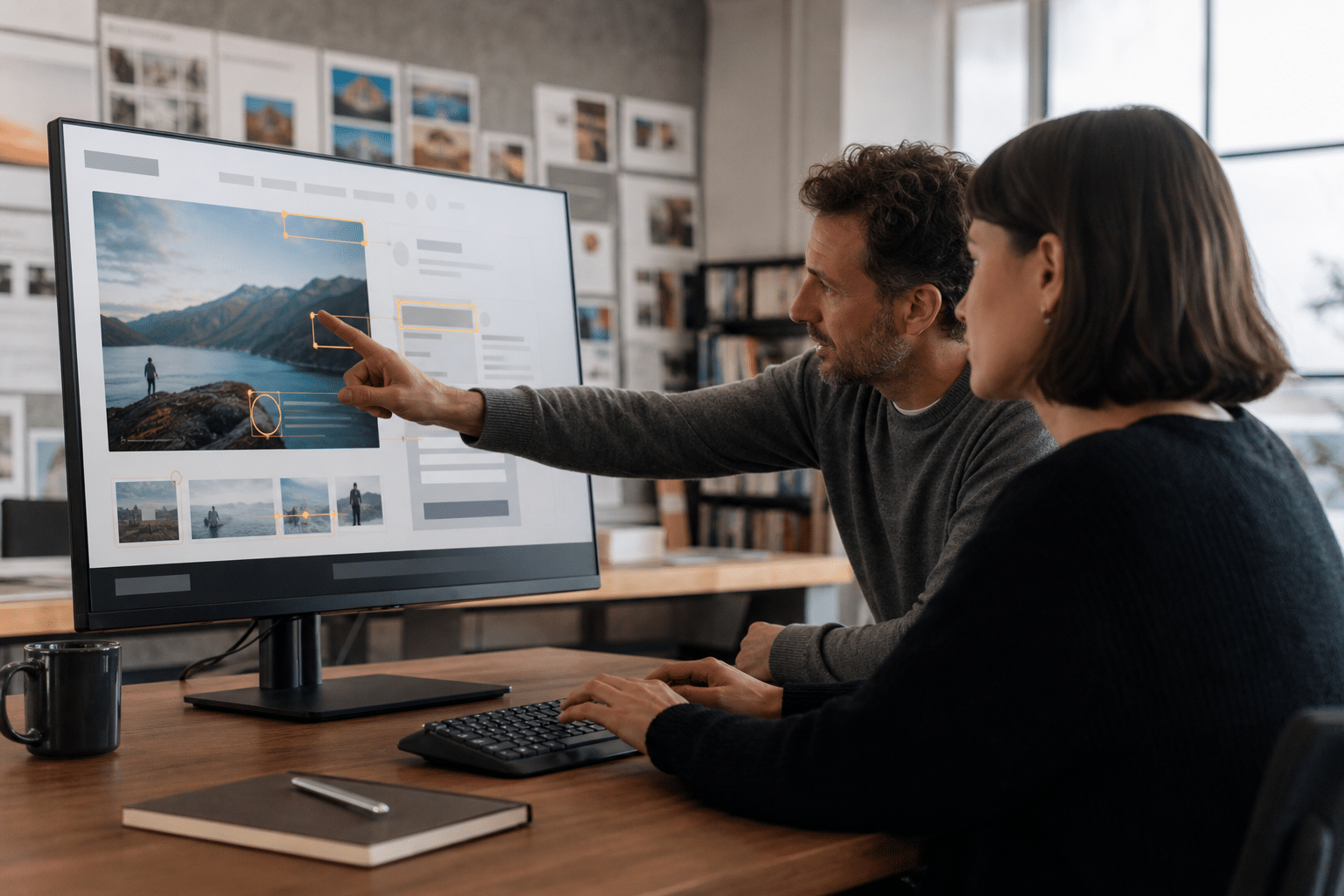
Automation helps find conditions that can be tested consistently across many pages. For example, a checker can identify images without alternative text, certain heading-structure problems, and form controls that appear to lack labels. Depending on the tool and its rules, it can also flag generic link wording such as “click here.” These results give editors specific items to inspect rather than making them search every page from scratch.
Each result still needs context. A missing alt attribute is a clear signal to review an image, but a tool cannot reliably decide whether the image is informative or decorative, or whether its current text describes it well. Likewise, a heading check may identify a skipped level, but it cannot determine whether the headings accurately describe the content that follows. Treat automated findings as prompts for action, not final judgments about accessibility.
Build WordPress accessibility checks into publishing
Make accessibility review a normal publishing step. Editors can run checks on a draft once its content and layout are in place, then repeat them after substantial changes or before publication. If the site uses a preview or staging environment, review the page there too, because the rendered experience may differ from the editing screen. As a result, a consistent checkpoint can catch problems before visitors encounter them.
Assign responsibility for each part of the process. The content editor can correct missing or unclear alt text, improve link wording, and review heading order. Meanwhile, the person responsible for forms or site functionality can check labels and interactive controls. A designated reviewer can test keyboard use and confirm that reported issues have been resolved before approving publication. Clear ownership prevents findings from sitting in a report without anyone acting on them.
Where human review is still necessary
Some accessibility questions depend on meaning and experience, not just markup. A person must decide whether alternative text communicates an image’s purpose in context, whether link text makes sense on its own, and whether headings help readers navigate. A form label may exist in the code yet still be confusing or disconnected from the information a visitor needs. Although automated checks can identify possible defects, they cannot fully assess these decisions.
Keyboard navigation also calls for hands-on review. Move through the page without a mouse and check whether links, buttons, menus, and form controls can be reached and used in a sensible order. Notice whether the current focus is visible and whether interactive elements behave as expected. A checker may detect some technical problems, but a person needs to test whether the interaction feels clear and usable. This attention to practical usability also connects with the value of utility over aesthetics in website design.
Use results to create a repeatable process
Keep the workflow simple: run a check, review each finding, fix confirmed issues, and record any item that needs a specialist or developer. Then test the updated page again, especially after changes to its layout or interactive features. If a finding is not relevant, document why rather than dismissing it without review. This creates a practical record of what was checked and who handled the follow-up.
Automation saves time when it handles repeatable checks, while human review addresses meaning, context, and real interaction. Use both before publication, and make accessibility a shared responsibility instead of an occasional cleanup task.
